How to listen to a PDF without uploading it
Most tools that read a PDF aloud send it to a server first. Here is how to listen on a Mac, iPhone, or iPad while the file stays on your device.
In short: The honest privacy test is simple: open a new document, turn off the network, and see whether the same voice can still begin reading.
There are two ways to turn a PDF into speech. One sends the file to a server, which returns audio. The other does the work on the machine in front of you. Both produce a voice reading your document; only one involves handing the document to somebody else.
If the PDF is a press release, that distinction is academic. If it is a contract, a medical letter, an unpublished manuscript, or a client's financial statement, it is not.
The quickest version
On a Mac, iPhone, or iPad, with ONarrator:
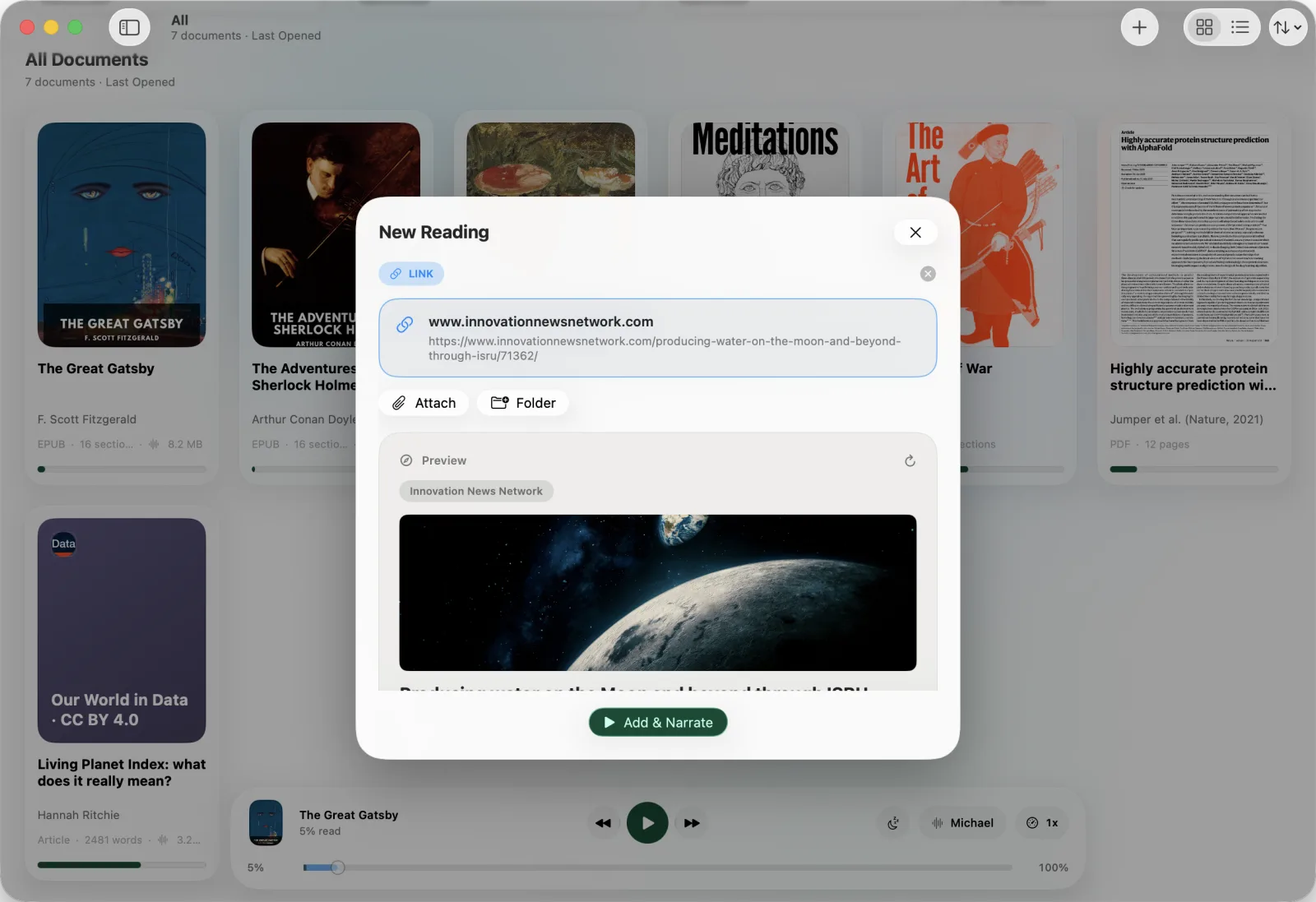
- Open the app and add the PDF. Drag it in on a Mac, or use the share sheet on iPhone and iPad.
- Open it from your library and press play.
- Adjust the voice and speed from the player. The words highlight as they are spoken, and tapping any sentence jumps the narration there.
Nothing in that sequence needs an account or a network connection. The synthesis runs on your device, so the file has no reason to leave it.
How to tell what a tool is actually doing
This is worth knowing regardless of which app you settle on, because very few tools state it plainly on the box.
Turn off the network and try it. Aeroplane mode is the honest test. A tool that synthesises in the cloud will either fail outright or fall back to a noticeably plainer system voice. A tool that runs locally sounds identical offline. Do this on a document you have not opened before, since a cached recording will pass the test for the wrong reason.
Watch for a first-use download. On-device neural voices are large, typically hundreds of megabytes. If an app asks to download something once and is then fully functional offline, that is a good sign. If it never downloads anything and still produces a rich voice, the work is happening elsewhere.
Read the privacy policy for the word "process". Policies that describe uploading documents to "process" or "convert" them are describing a server round trip, whatever the marketing page says.
Where narration usually goes wrong
Getting audio out of a PDF is the easy part. Getting audio worth listening to is harder, and the failure is almost always the same one: the tool reads everything on the page.
A PDF has no structural notion of a paragraph, a header, or a caption. It is a set of instructions for placing glyphs at coordinates. So a naive reader narrates the running header on all forty pages, announces every page number mid-sentence, and reads figure axis labels as though they were prose.
ONarrator runs a layout pass over each page before narrating and excludes those regions. If you want the detail of how that works, and why it is a picture problem rather than a text problem, that is its own post.
What on-device narration cannot do
Being straight about the trade, because it is real:
- Scanned PDFs are out. If a page is an image of text with no text layer, there is nothing to read. That needs OCR, and you will need another tool for it.
- Fewer voices and languages. A server can host hundreds of voices across dozens of languages. What ships on your device is a much smaller set.
- Long documents take a moment. Audio is generated as you go, and a very long book takes time to prepare fully, though you can start listening immediately.
If those matter more to you than keeping the file local, a cloud tool is the right answer, and it is worth saying so rather than pretending the trade does not exist.
Making it comfortable to listen to
A few settings make far more difference than the choice of voice:
- Speed is personal and worth tuning. Most people settle somewhere between 1.1× and 1.4× for non-fiction. Move in small steps; the point where it stops being comfortable is narrower than you would expect.
- Use the sleep timer for anything you read in bed. Timed presets or stopping at the end of the chapter both beat waking up eleven chapters further on.
- Follow the highlight when the text is dense. For technical material, reading along with the spoken word is markedly better than listening alone.
The short version
Listening to a PDF is now unremarkable. Listening to one without handing it to a third party is the part that still requires choosing deliberately, and the test is simple enough that you can check any tool in about a minute with aeroplane mode.