Which read-aloud app should you use?
ONarrator, Speechify, NaturalReader, and Apple Spoken Content compared through concise pros, cons, and the use case each one suits best.
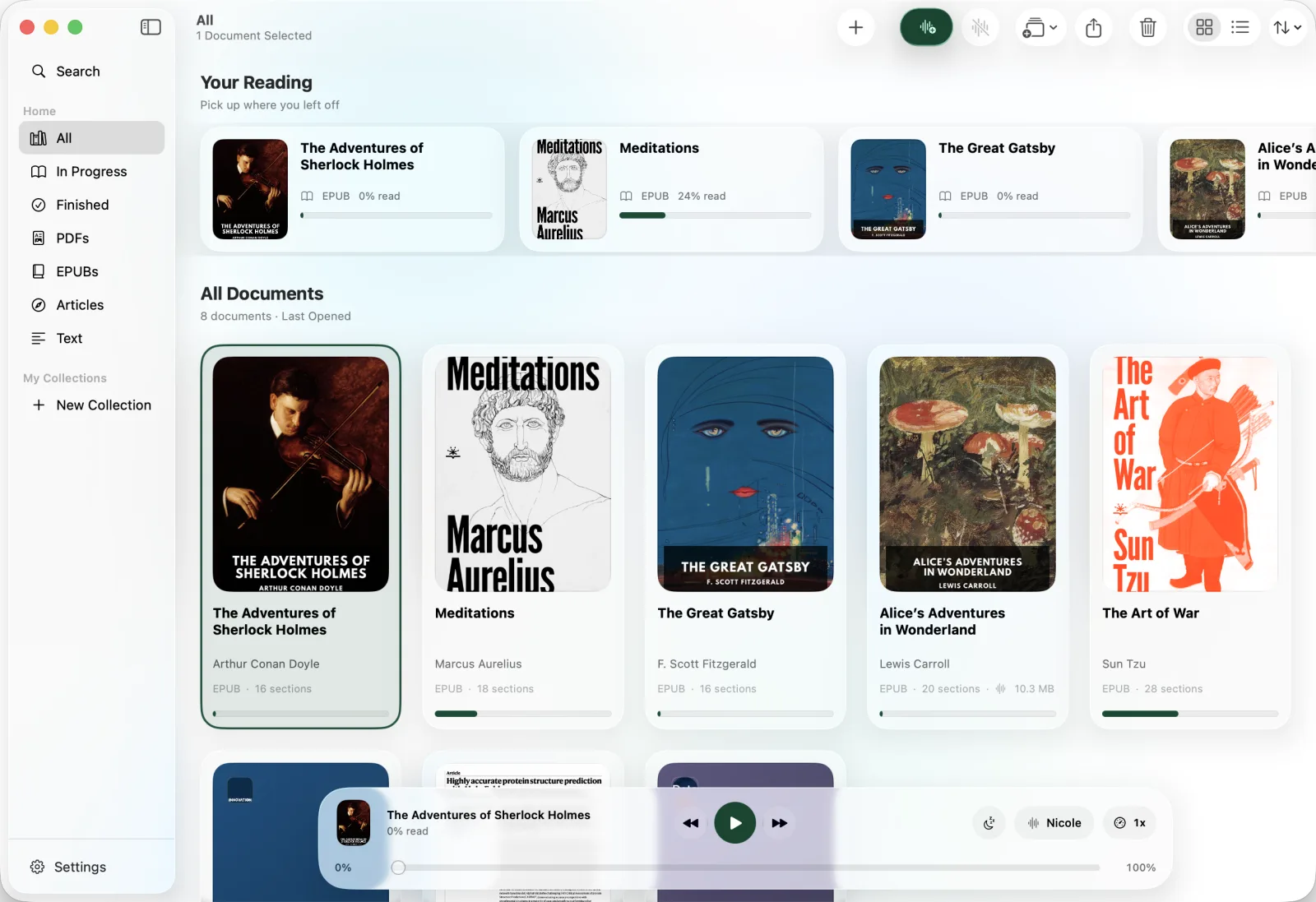
There is no single winner here. Speechify covers the most platforms and languages. NaturalReader handles images and photographed pages. Apple's built-in tool is quickest for a selected paragraph. ONarrator is designed for private, long-form reading on Apple devices.
The useful question is not which app has the longest feature list. It is which trade-off matches what you read.
If your documents are sensitive or you listen for hours, start with the on-device option. If you need Android or Windows, the cloud tools are broader but come with uploads, connection requirements, and voice or playback limits.
ONarrator
Private, long-form reading on Mac, iPhone, and iPad.
Pros
- Speech is generated on-device, with no account required.
- Detects and skips PDF headers, footers, page numbers, and captions.
- Reads scanned PDFs by recognizing the text on device.
- Keeps a document library, reading position, highlights, and bookmarks.
- Exports generated narration as an audiobook file.
- Unlimited playback for generated audio. There is no daily reading quota.
Cons
- Available only on Mac, iPhone, and iPad.
- Supports 31 narrated languages, but not Chinese yet.
Speechify
The broadest platform and language coverage in this group.
Pros
Cons and unknowns
- Uploaded documents are transferred to, processed, and stored by Speechify, including in the United States. This matters for sensitive reading.4
- New narration needs an internet connection; offline listening is for audio you already downloaded.3, 4
- The free plan lists ten robotic voices and playback up to 1.5×; natural voices are part of Premium.3
NaturalReader
Reading across mixed hardware, including images and photographed pages.
Pros
Cons and unknowns
- Free users get 20 minutes per day of Premium voices and 5 minutes per day of Plus voices; Free Voices are unlimited.8
- The free plan does not include OCR or MP3 conversion, so scanned documents and saved audio require a paid plan.7
- Uploaded text is sent to NaturalReader's servers for conversion, and registered files can remain in its library for up to a year.9
Apple Spoken Content
Quickly hearing selected text in any Mac app.
Pros
Cons and unknowns
Further reading
Sources and corrections
We wrote this comparison, so treat the recommendations as our opinion. Claims about other products are linked to the vendor's own pages. If a public page did not state something plainly, it is shown as unknown rather than guessed.
- Speechify: home page Speechify Inc., accessed
- Speechify: text to speech languages Speechify Inc., accessed
- Speechify: free and Premium plans Speechify Inc., accessed
- Speechify: privacy policy Speechify Inc., accessed
- Speechify: how to autoskip content Speechify Inc., accessed
- NaturalReader: home page NaturalReader, accessed
- NaturalReader: voices, languages, and TTS limits NaturalReader Help Center, accessed
- NaturalReader Online FAQ NaturalReader, accessed
- NaturalReader: data security NaturalReader Help Center, accessed
- Have your Mac speak text out loud Apple, accessed
Product names are trademarks of their respective owners. ONarrator is not affiliated with or endorsed by them. Corrections: help@onarrator.com.
Try ONarrator
See whether ONarrator fits your reading.
Free on Mac, iPhone, and iPad. No account needed.